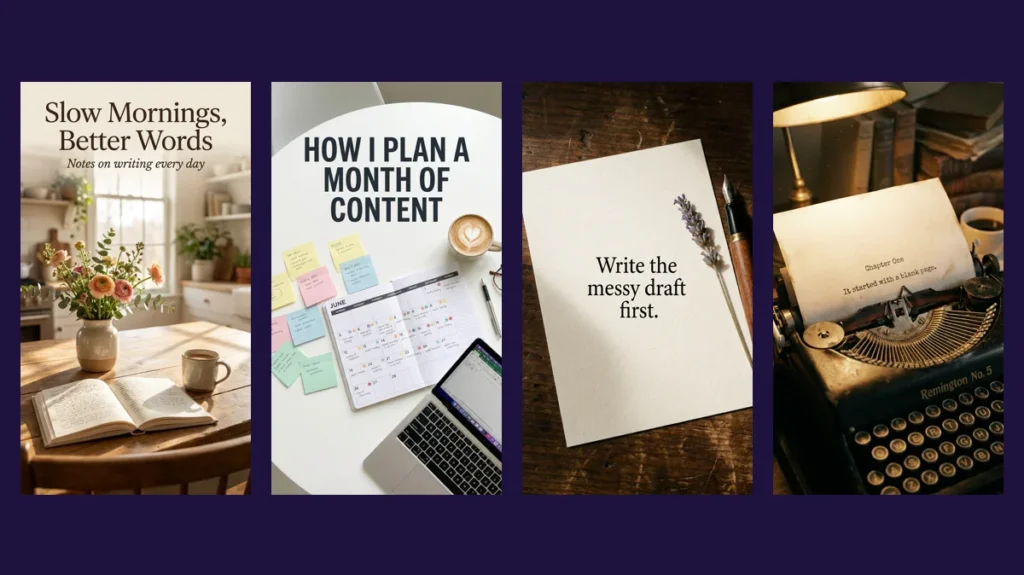
Nano Banana Pro is the name Google uses for Gemini 3 Pro Image, an image generation and editing model announced in November 2025. Its main improvement over earlier image models is text: it can place short titles, labels and quotes inside an image with far fewer spelling errors. For bloggers and creators, that turns it into a practical tool for thumbnails, quote cards and covers.
Below are 14 prompts we wrote for creator work and ran ourselves on CinAI. Every image is the unedited result, grouped by the job it does.
All images in this article were generated by us with Nano Banana Pro on CinAI in November 2026 and are shown without editing. The same prompt can produce a different image on another run.
Thumbnails and blog banners
A blog banner with a title you can actually read
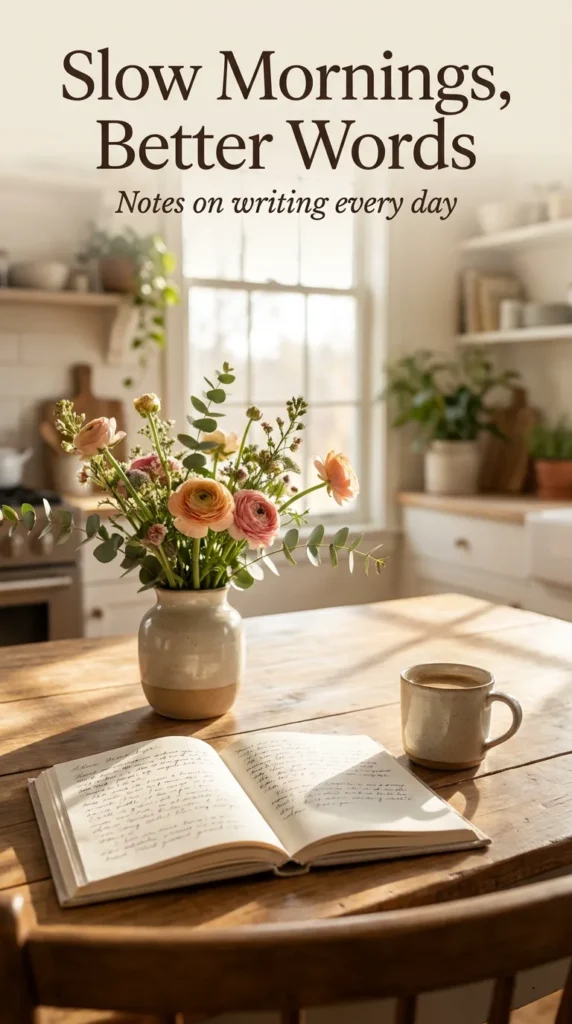
Wide editorial blog banner composed in a vertical frame: a sunlit kitchen table with a notebook, coffee and a vase of flowers, elegant serif title text across the top "Slow Mornings, Better Words", small subtitle "Notes on writing every day", soft warm light, magazine photography style, vertical 9:16
Why it works: Giving both a title and a subtitle in quotes, plus the font style, tells the model exactly how the text block should look.
Make it yours: Paste your next post title in the quotes and describe a scene that matches its mood.
A flat-lay thumbnail for a planning post
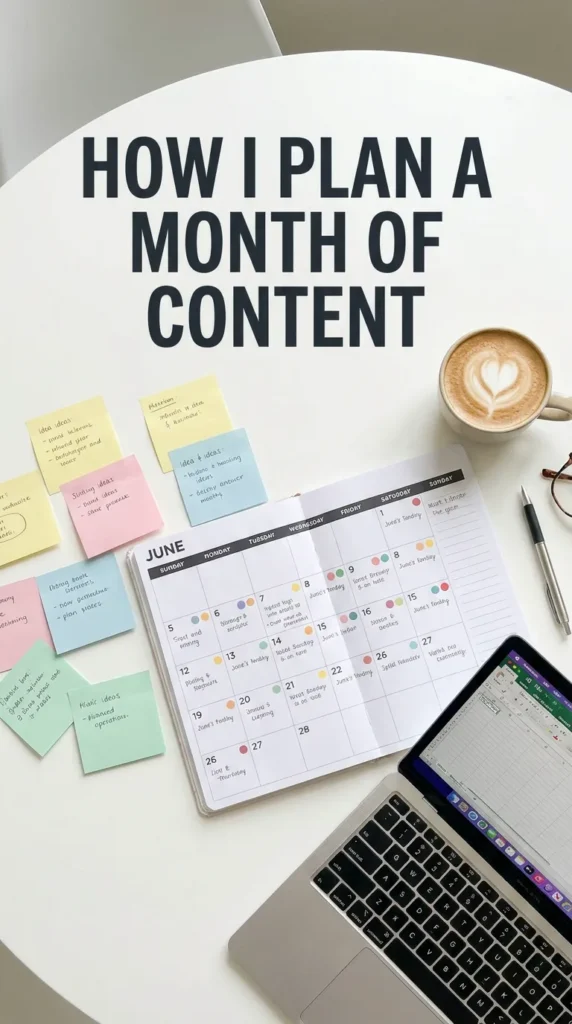
Top-down flat-lay photo of a monthly paper calendar, colored sticky notes, a laptop corner and a coffee, bold overlay text at the top "How I plan a month of content", clean white background, bright even light, realistic photo, vertical 9:16
Why it works: Flat-lays leave clean space at the top, which is the natural place for title text.
Make it yours: Use your own post title, and keep it under eight words.
Quote cards and typography
A quote card on textured paper
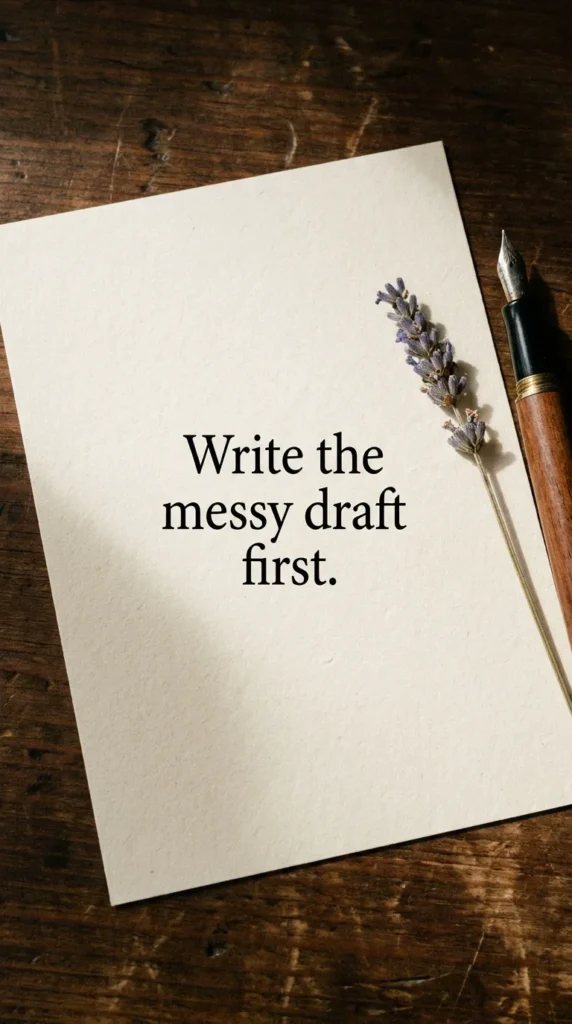
Close-up photo of a cream textured paper card on a dark wooden table, centered elegant black serif text "Write the messy draft first.", a small dried flower and a fountain pen beside it, soft side light with gentle shadows, realistic photo, vertical 9:16
Why it works: A single short sentence is the sweet spot for readable text, and the props make it feel like a real object.
Make it yours: Use a line from your own post and share it as a quote card.
Chapter one, on a typewriter page
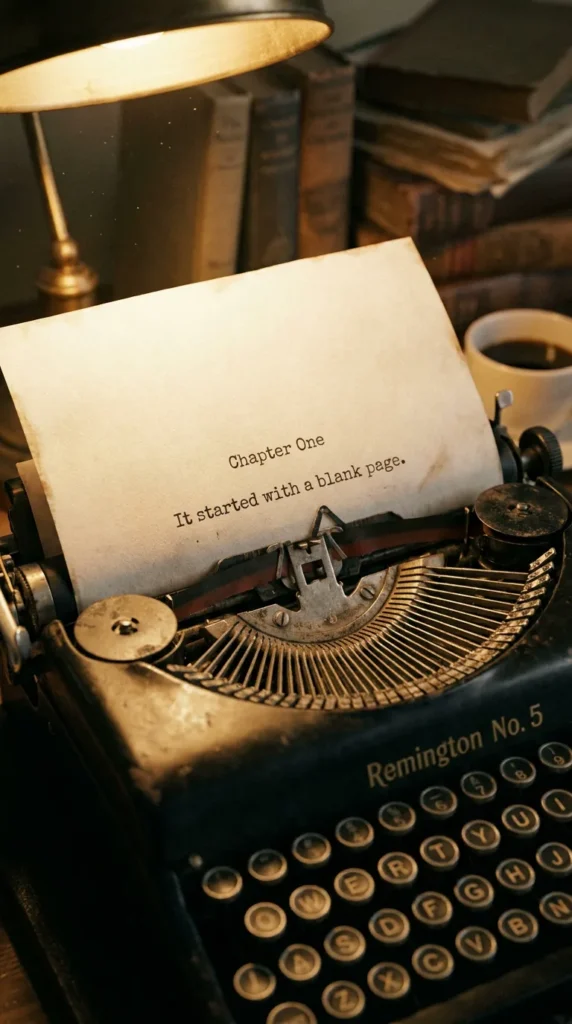
Close-up photo of a vintage typewriter with a sheet of paper in it, typed text "Chapter One" and below "It started with a blank page.", warm desk lamp light, shallow depth of field, cinematic realistic photo, vertical 9:16
Why it works: Typewriter text has a fixed, even spacing, which helps the model place each letter cleanly.
Make it yours: Type the first line of your next story or post.
This week's posts, as a chalk menu
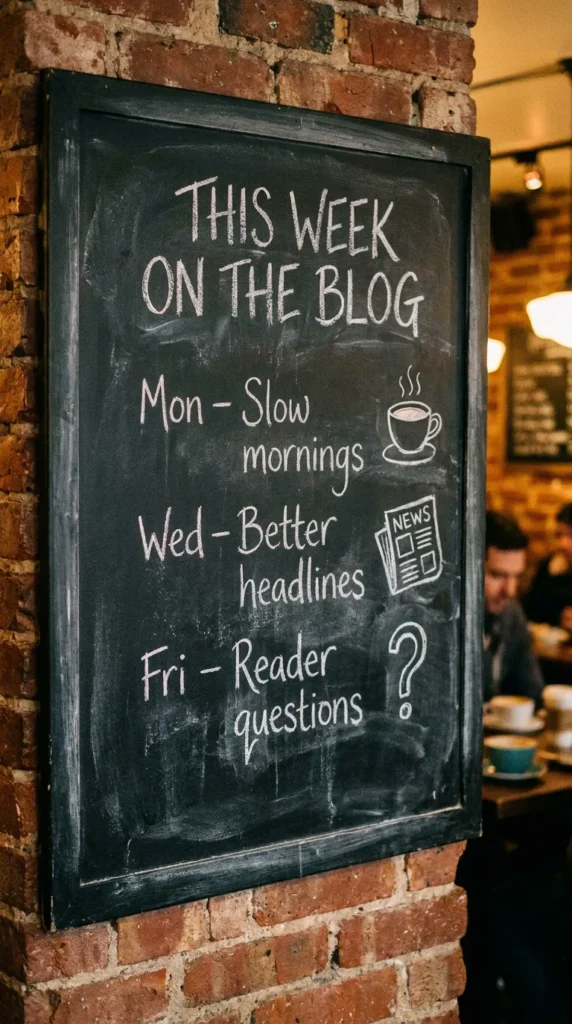
Photo of a café chalkboard menu, hand-lettered title "THIS WEEK ON THE BLOG", three items listed like dishes "Mon – Slow mornings", "Wed – Better headlines", "Fri – Reader questions", small chalk doodles, warm café light, realistic photo, vertical 9:16
Why it works: A menu is a familiar layout, so viewers read it top to bottom without thinking.
Make it yours: List your real posting schedule and share it as a weekly teaser.
Posters, covers and stickers
An e-book cover, shown on a tablet
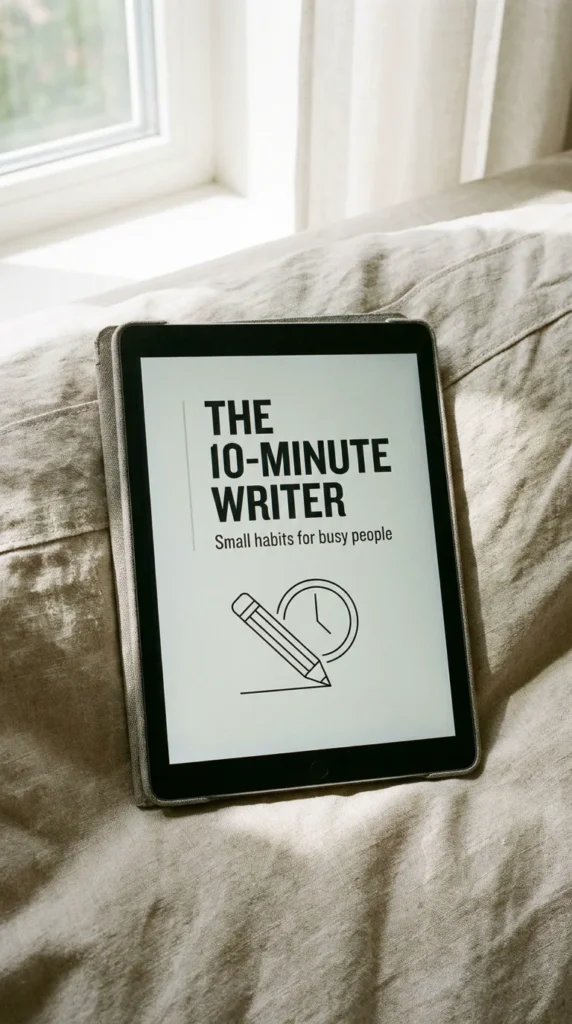
Photo of a tablet lying on a linen sofa, the screen showing a clean modern e-book cover with bold title "The 10-Minute Writer" and subtitle "Small habits for busy people", minimal illustration of a pencil and a clock, soft daylight, realistic product photo, vertical 9:16
Why it works: Showing the cover on a device makes it look like a finished product, which is the point of a mockup.
Make it yours: Use your lead magnet title and a one-line promise as the subtitle.
A meetup poster in risograph style
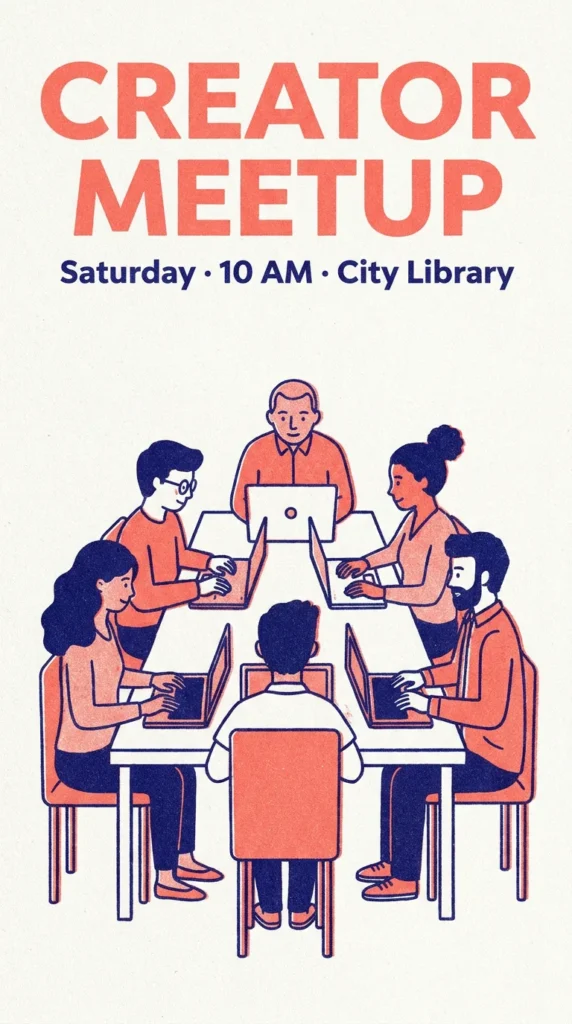
Risograph-style event poster in two ink colors, coral and navy, big bold text "CREATOR MEETUP", smaller text "Saturday · 10 AM · City Library", simple illustration of people with laptops around a table, slight grain and misregistration, vertical 9:16
Why it works: Naming a print style with two ink colors keeps the design simple and gives it a recognizable look.
Make it yours: Replace the details with your own event, workshop or webinar.
A sticker sheet for your blog
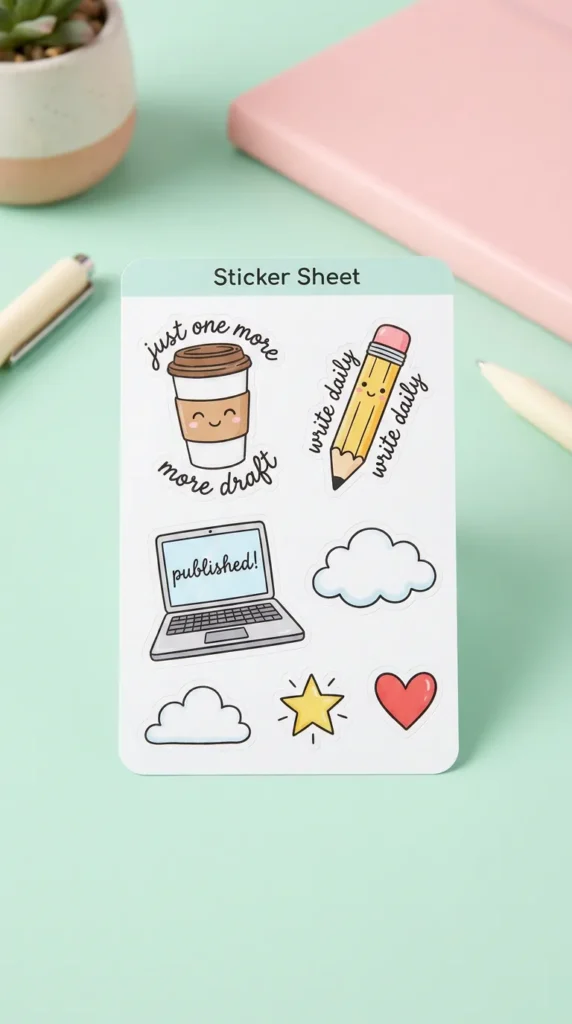
Product photo of a die-cut sticker sheet on a pastel desk, six cute stickers: a coffee cup saying "just one more draft", a pencil saying "write daily", a laptop saying "published!", a cloud, a star, a heart, glossy finish, soft studio light, vertical 9:16
Why it works: Short phrases inside each sticker keep the text small and separate, which is easier for the model than a paragraph.
Make it yours: Write three phrases your readers would recognize from your blog.
Visuals that explain your content strategy
Your content pillars as four tiny bookshelves
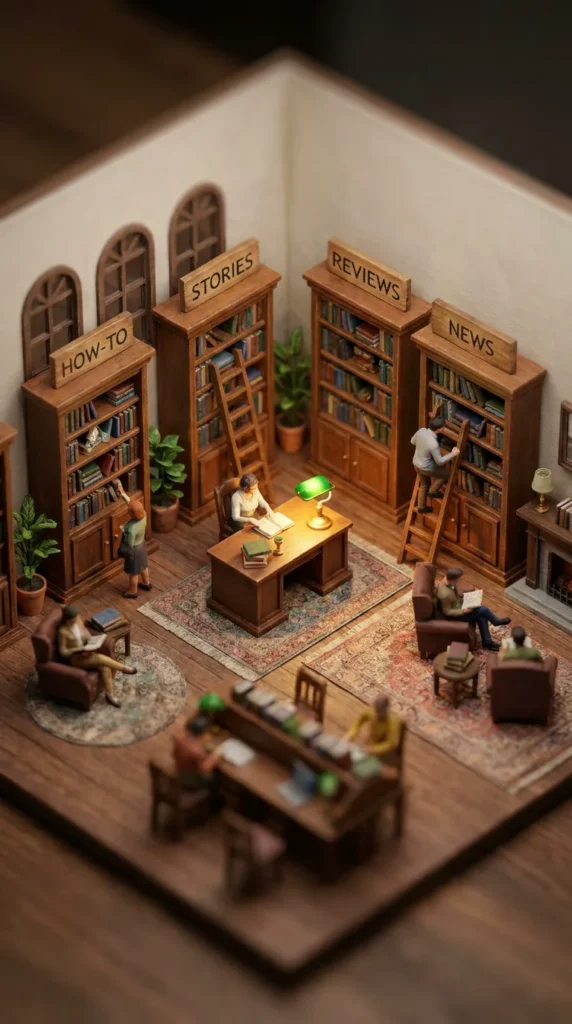
Isometric 3D miniature of a tiny library room with four small bookshelves, each with a wooden sign on top reading "HOW-TO", "STORIES", "REVIEWS", "NEWS", tiny reader figurines browsing, warm lamp light, tilt-shift photography, highly detailed, vertical 9:16
Why it works: Four labeled shelves make the abstract term 'content pillars' visible at a glance.
Make it yours: Label the shelves with the four topics your blog keeps coming back to.
One post, many formats, as a paper tree
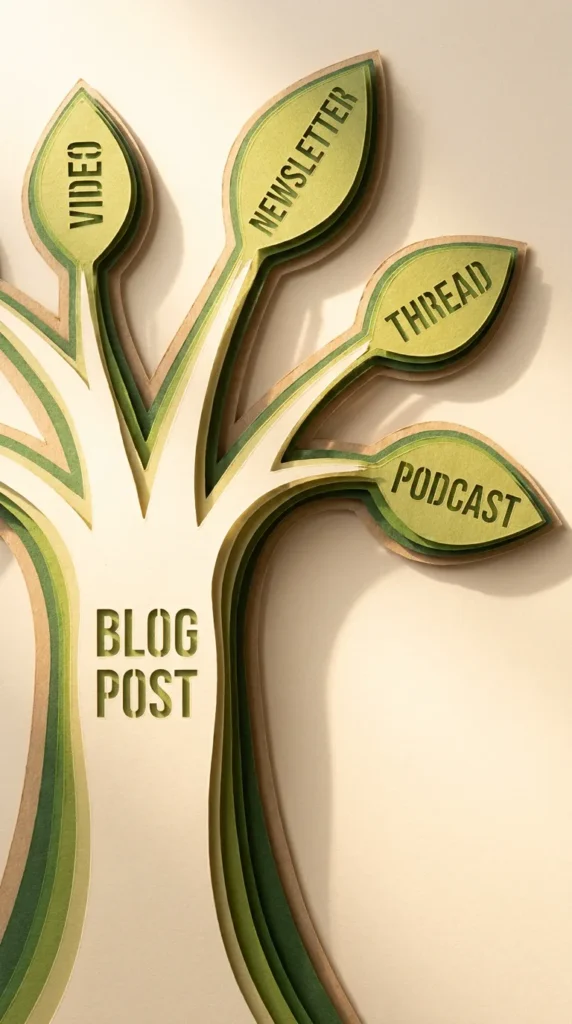
Layered paper-cut art of a tree, the trunk labeled "BLOG POST", four branches each ending in a paper leaf labeled "VIDEO", "NEWSLETTER", "THREAD", "PODCAST", soft shadows between layers, warm green and cream palette, studio light, vertical 9:16
Why it works: A tree shows that everything grows from one source, which is exactly how repurposing works.
Make it yours: Label the branches with the channels you actually post to.
A short-video storyboard, sketched in 6 panels
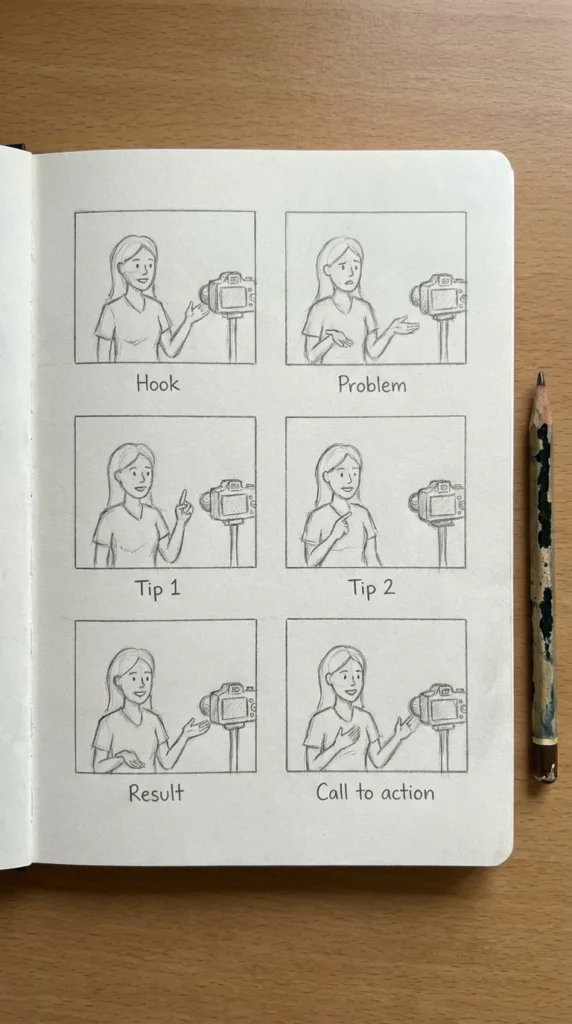
Top-down photo of a sketchbook page with six pencil storyboard panels in a grid, each with a short caption below: "Hook", "Problem", "Tip 1", "Tip 2", "Result", "Call to action", simple sketches of a person talking to camera, a pencil beside the book, soft light, realistic photo, vertical 9:16
Why it works: One-word captions under each panel keep the grid readable and double as a script outline.
Make it yours: Use the six captions as the plan for your next short video.
Scenes for newsletters and podcasts
Your newsletter, printed on a tiny press
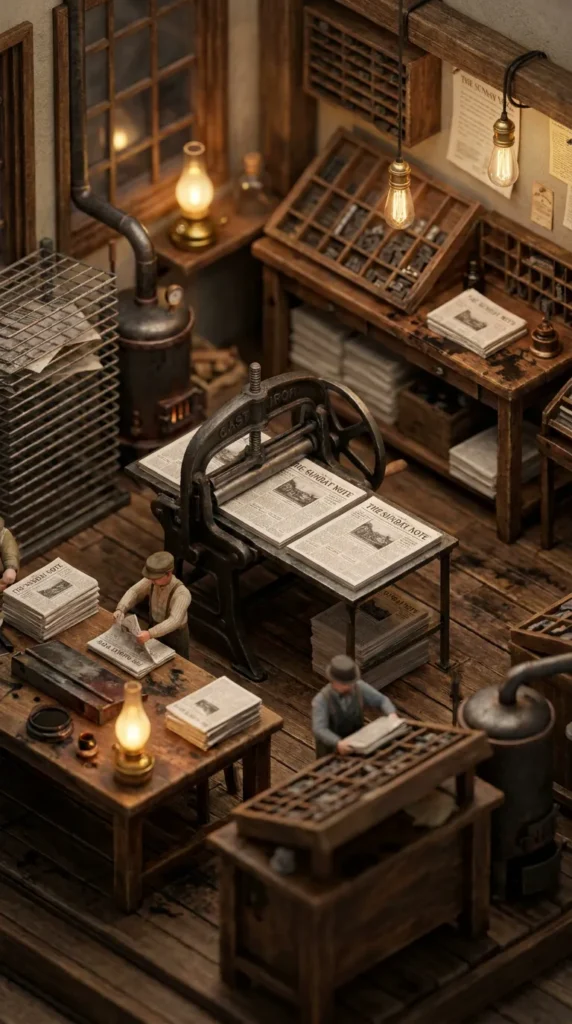
Isometric 3D miniature diorama of an old printing workshop, a small press printing sheets with a masthead reading "THE SUNDAY NOTE", tiny workers stacking and folding papers, warm lamp light, ink and wood textures, tilt-shift photography, highly detailed, vertical 9:16
Why it works: The masthead is the only text in the scene, so all the model's attention goes into getting it right.
Make it yours: Put your newsletter's name on the masthead.
A café sign that welcomes writers
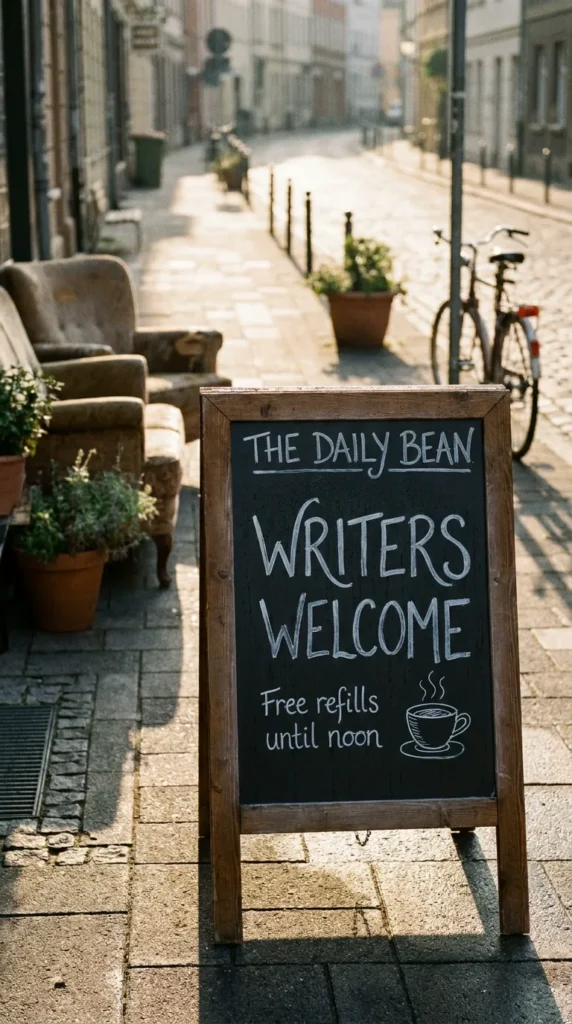
Photo of a sidewalk chalkboard sign outside a cozy café, hand-lettered chalk text "WRITERS WELCOME" and below "Free refills until noon", a small doodle of a coffee cup, warm morning light on a quiet street, realistic photo, vertical 9:16
Why it works: Chalk lettering on a sidewalk sign is a format the model has seen many times, so it renders naturally.
Make it yours: Change the second line to your own offer or event.
A tiny podcast studio with an 'on air' light
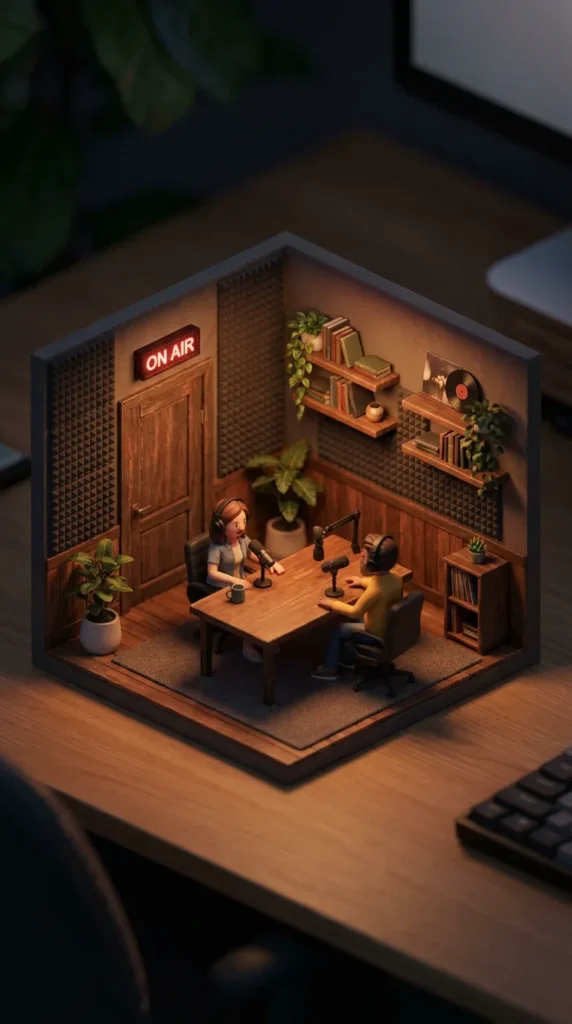
Isometric 3D miniature diorama of a cozy podcast studio, two tiny hosts at a desk with microphones, a glowing red sign above the door reading "ON AIR", acoustic foam on the walls, warm moody light, tilt-shift photography, highly detailed, vertical 9:16
Why it works: The glowing sign gives the scene a focal point and a feeling of 'something is happening now'.
Make it yours: Add your show name on a small poster on the studio wall.
Tips for better results with Nano Banana Pro
- Quote the exact words and say where they go: “title across the top”, “on the masthead”.
- Name the type style rather than a font: “elegant serif”, “bold rounded sans-serif”, “hand-lettered chalk”.
- Leave space for the text by choosing layouts with empty areas, such as flat-lays or a plain sky.
- Ask for one focal point. A single sign or card reads better than many small labels.
- Check rights and disclosure. Do not put real people, brands or logos you do not own into commercial images, and follow each platform’s rules for labeling AI content.
Frequently asked questions
What is Nano Banana Pro?
It is Google's nickname for Gemini 3 Pro Image, an image generation and editing model announced in November 2025, known for stronger text rendering than earlier models.
Where can I use Nano Banana Pro?
Google offers it in the Gemini app and to developers through its API. Some third-party creative platforms, including CinAI, also provide access to it.
Can Nano Banana Pro make YouTube thumbnails?
It can make thumbnail-style images with short, bold titles. Keep the title to a few words and check spelling before you upload.